
Skip to content

OpenPostTurn what you are building into destination-ready content.

Create, adapt, schedule, and track work from one workspace.

OpenPost logo

The all-in-one content team for solo founders, from first draft to every destination.

Hosted service plans

See the canonical Hosted service pricing for current plans, trial terms, and limits. Self-hosting is a separate operator-run deployment.

Provider access and available formats still depend on account type, permissions, review, and current provider support.
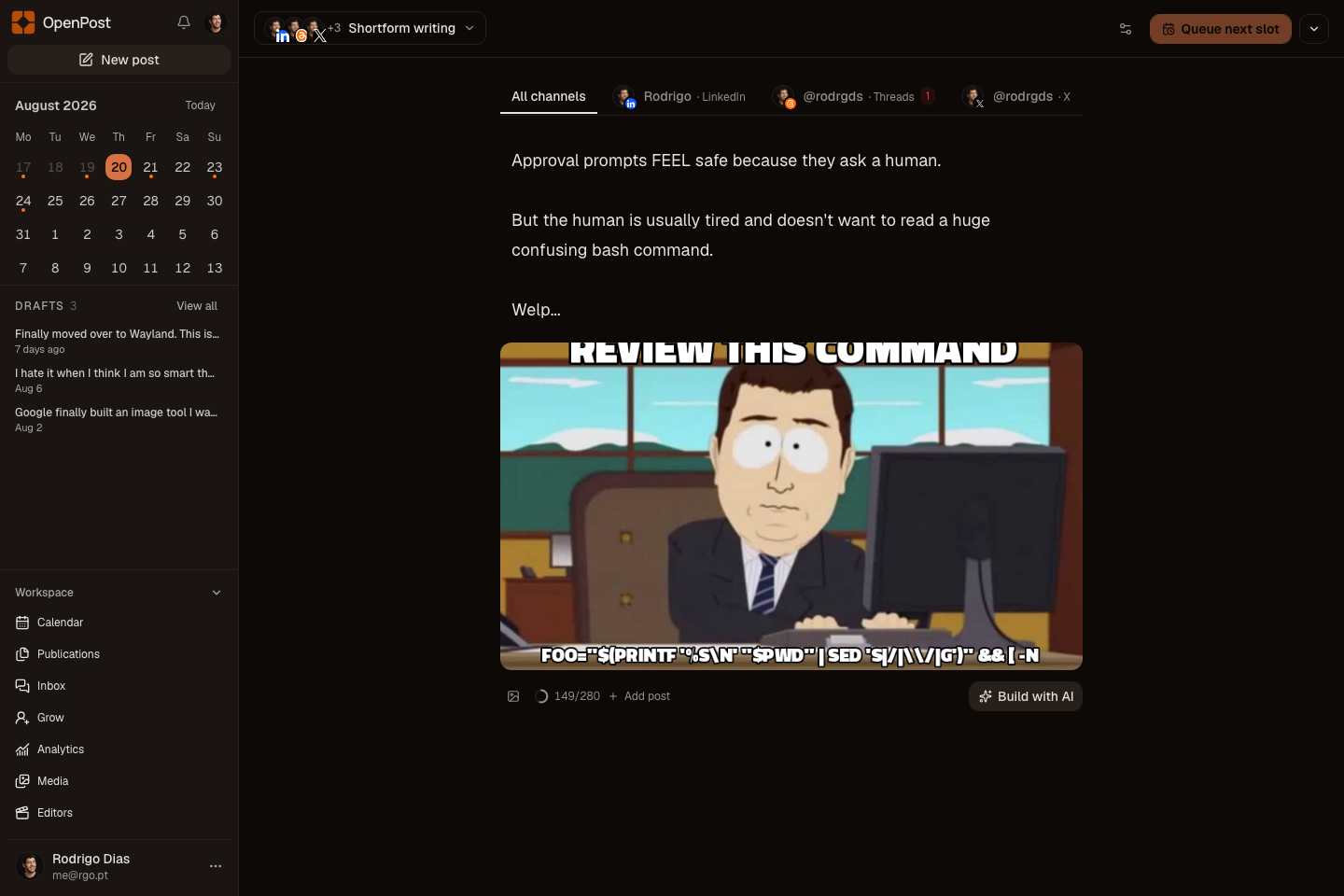
OpenPost main dashboard

Installation

For the authoritative Docker Compose example and deployment steps, see Docker Compose.

TIP

New to OpenPost? Read the user guide, watch the product demo, or follow the self-hosting quickstart.

Choose the right docs

  • User docs cover the web app, CLI, and MCP. Learn how to connect accounts, write account versions, schedule posts, track results, use OpenPost Image Editor, and manage replies.
  • Self-hosting docs cover setup, social app keys, storage, backups, upgrades, and fixes.
  • Developer docs cover the code, API, tests, platform links, billing, MCP, and releases.

More ways to use OpenPost

  • Use the CLI from a terminal, scheduled script, or CI job.
  • Connect an AI tool through MCP to read, draft, or schedule with the access you grant.
  • Test an AI-assisted campaign with the public OpenPost Launch Kit.
  • Install the Android app from the APK shipped with each GitHub release.

Open source under AGPL-3.0-only.