
 OpenPost
Image Editor

Create still images and ordered carousel pages for your posts.
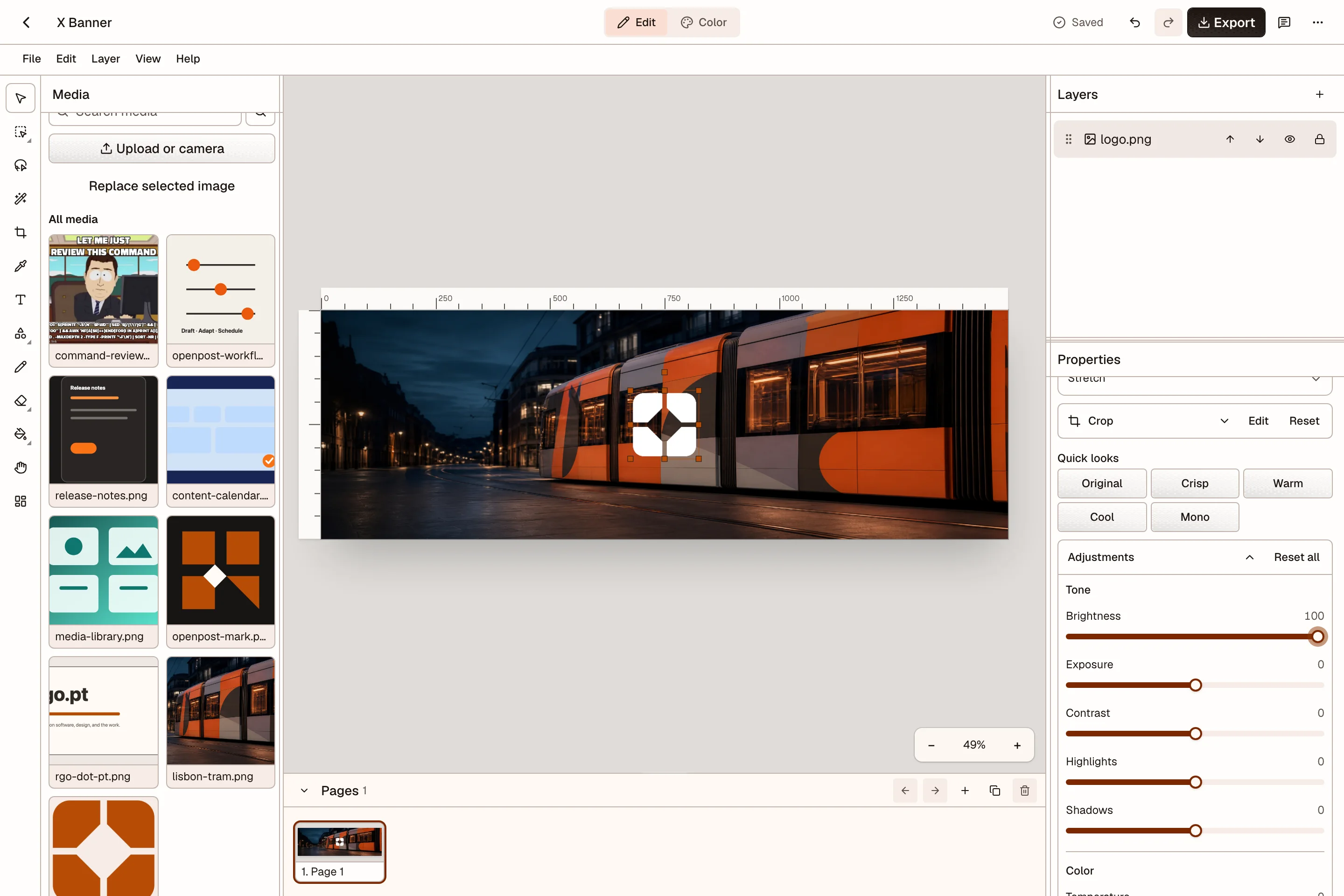
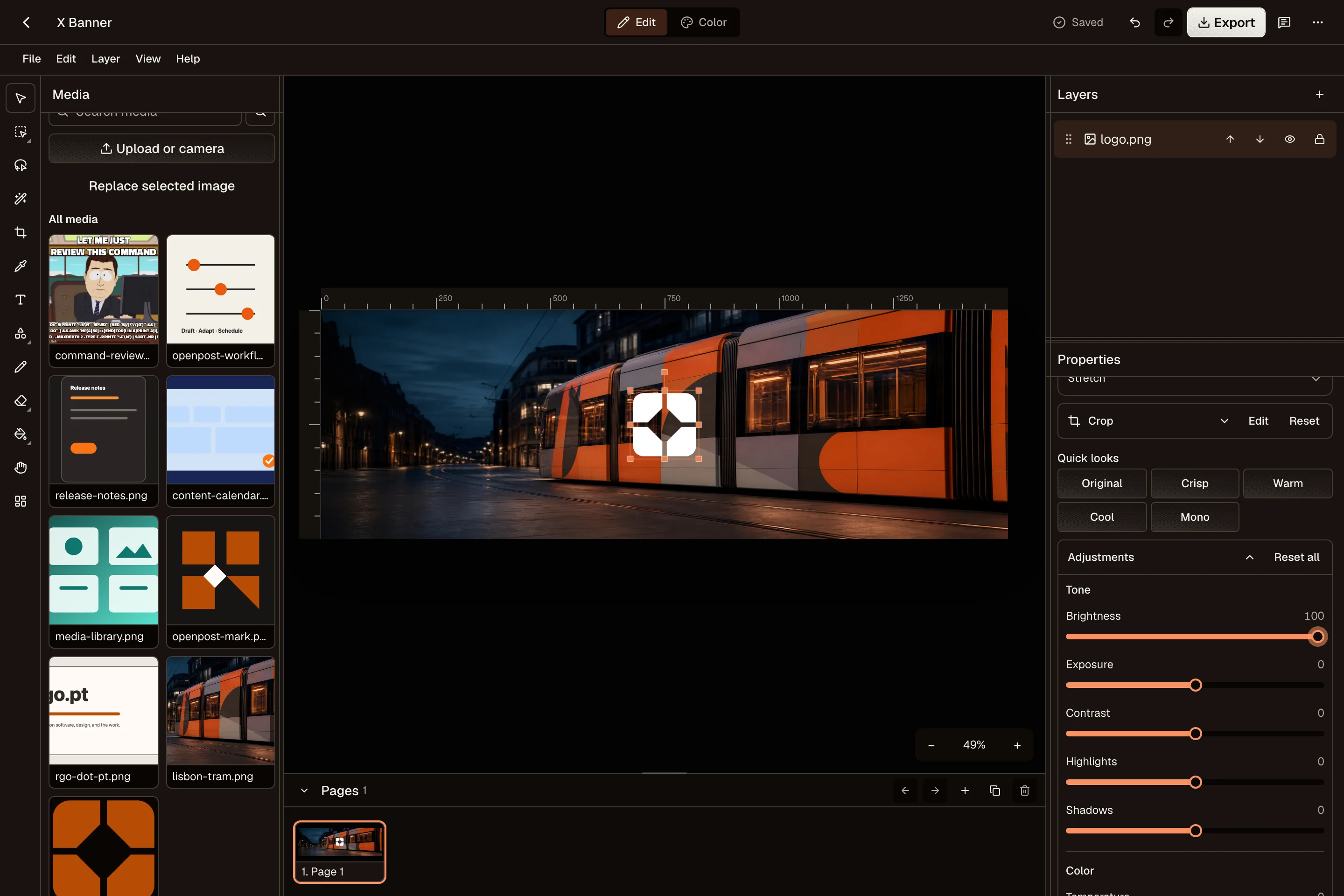
OpenPost Image Editor makes single images and multi-page carousels. You can start without an account, work from workspace media, or open it from a post and attach the result when you finish.
Open the Image Editor to start with a social format, a template, or an image. Exports have no watermark.
Start
- Create a design from a preset, template, or existing image.
- Learn the editor layout on desktop and phone.
Edit
- Arrange layers for text, images, shapes, paint, and groups.
- Build a carousel and set the page order.
- Adjust color and effects, crop images, and remove backgrounds.
- Reuse templates and brand items.
Finish
- Export or attach the result to a publication.
- Understand saving and recovery before changing devices or restoring an older version.
- Check the editor limits when a format or workflow is not available.
OpenPost Image Editor edits still images. Use Video Editor for composed video or Quick Cut when you only need to remove parts of a compatible video.