
 OpenPost
PeerTube

Publish videos to a PeerTube channel with upload and transcoding state.
PeerTube accounts can own several channels, and each channel has its own subscribers. In OpenPost, the channel is the destination: you connect a channel when you connect the account, and each video is published to exactly one channel.
Connect an instance account
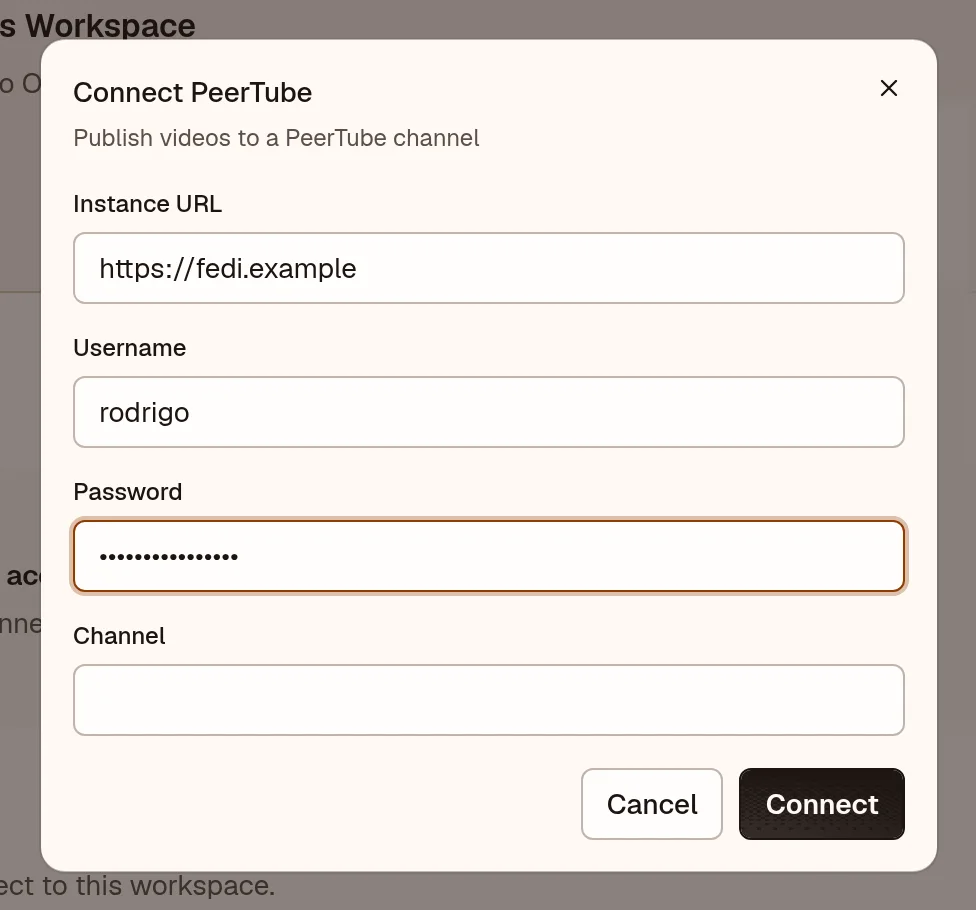
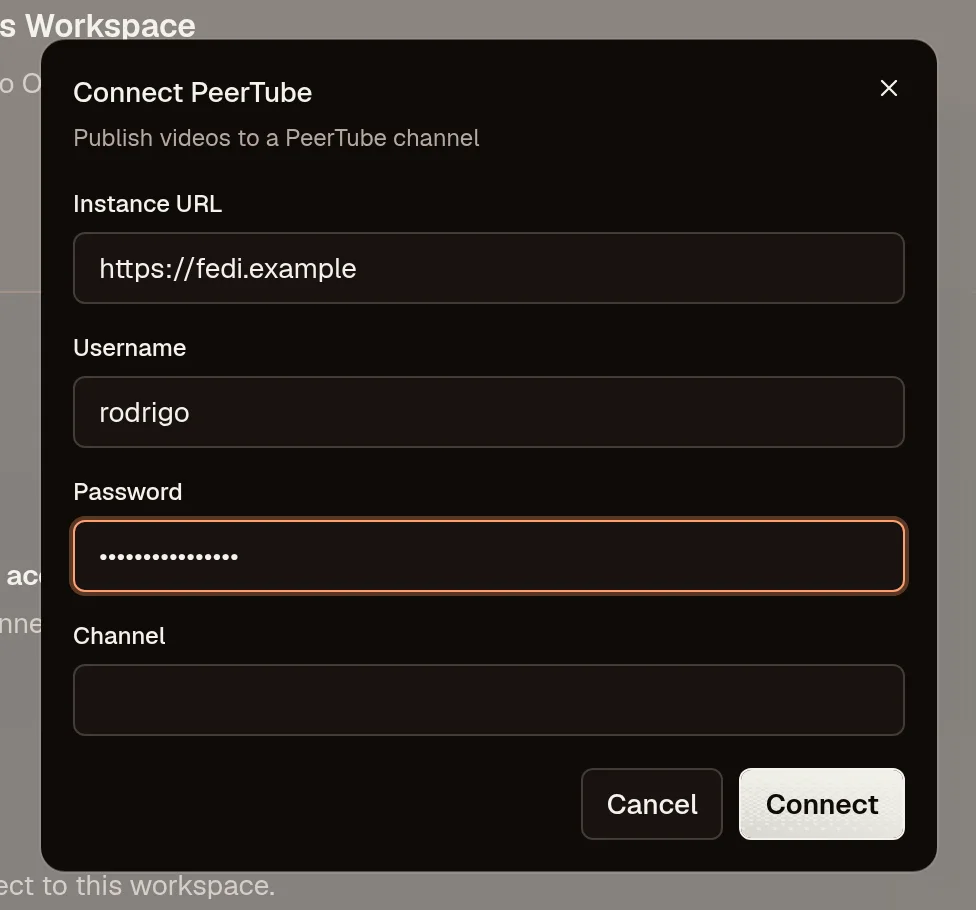
PeerTube needs no developer app or callback URL. Each person connects with their instance username and password. OpenPost exchanges the password once for OAuth tokens and never stores it.
- In OpenPost, choose your workspace and open Settings → Workspace → Social accounts → PeerTube.
- Enter the instance address (such as
https://tube.example), your username, and your password. - If the account owns one channel, OpenPost connects it directly. If it owns several, pick the channel to connect. Each channel is a separate destination with its own videos and subscribers.
- Upload a short test video and follow its processing state before relying on scheduled delivery.
Publish a video
Give the video a title, a description, and a channel. Privacy (public, unlisted, private, internal), language, category, licence, tags, sensitivity flags, comment policy, and captions are validated against the connected instance.
Uploads use PeerTube's resumable protocol, so an interrupted worker resumes from its last checkpoint instead of duplicating the video. Thumbnails and caption files are applied after the bytes land. Transcoding is asynchronous: OpenPost reports the video as published only after the instance confirms it, and keeps polling while it processes. A video that disappears from the instance is reported as failed, never silently re-uploaded.
Read comments and check views
Open the video's inbox in OpenPost to read comment threads and reply from the connected channel. Channel owners can moderate the conversation on their own videos. Views and likes are reported under their native names; PeerTube dislikes have no OpenPost counterpart and are omitted rather than relabelled.
If the connection fails
- Check the instance address, username, and password. PeerTube logins use the username, not the email address or channel name.
- If the instance enforces upload quota, large or frequent uploads can be rejected. The provider error names the limit.
- If a video stays in processing, leave it alone. OpenPost keeps reconciling; starting a second upload of the same file creates a duplicate.
- If comments fail to load, check that the channel is allowed to view them. Password-protected videos need their password in OpenPost before the inbox can read them.