
 OpenPost
PieFed

Post discussions and links to PieFed communities through its native API.
PieFed shares OpenPost's community-posting experience with Lemmy: the community is the destination, and one rendition pairs one connected account with one concrete community. Underneath, PieFed is its own integration speaking PieFed's native alpha API.
Connect an instance account
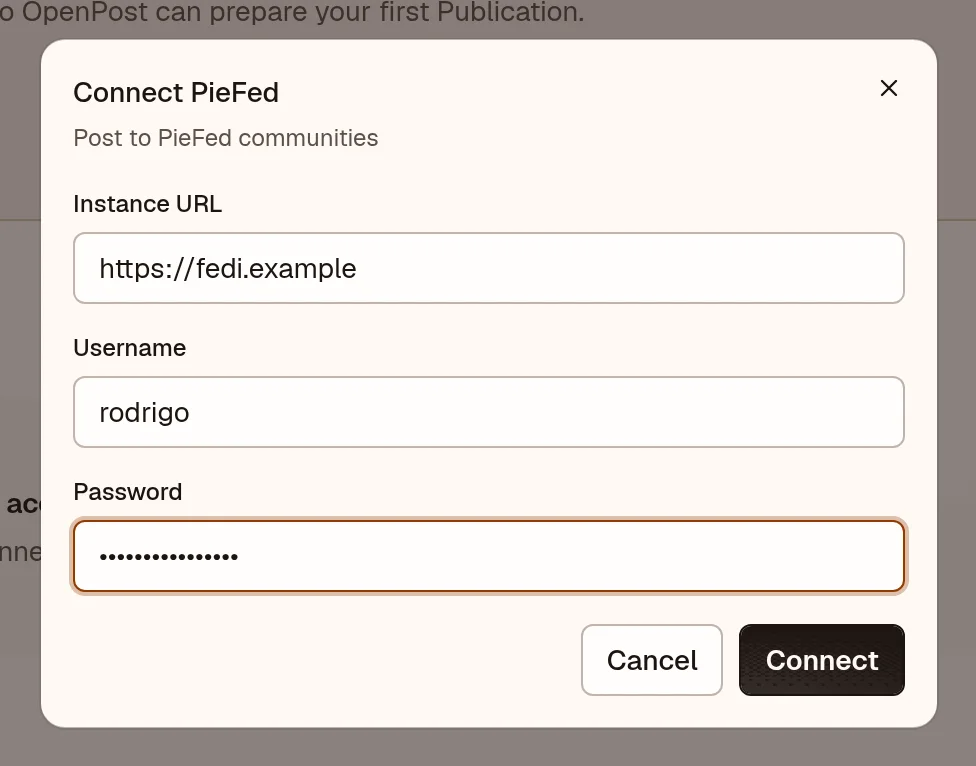
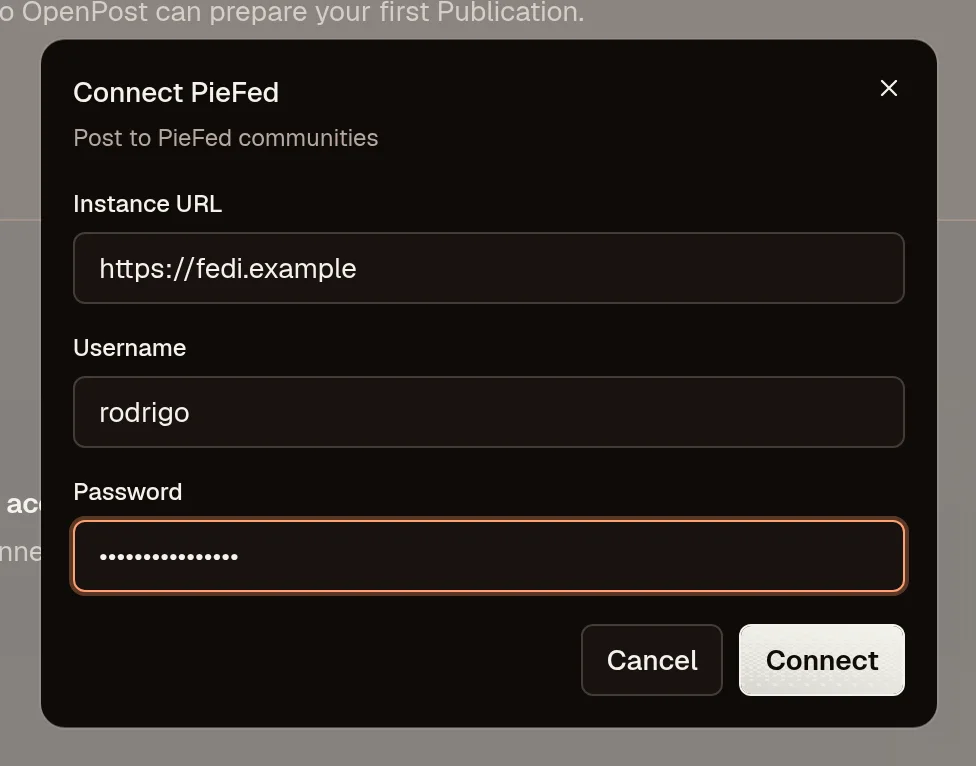
PieFed needs no developer app or callback URL. Each person connects with their instance username and password. OpenPost exchanges the password once for a token and never stores it.
- In OpenPost, choose your workspace and open Settings → Workspace → Social accounts → PieFed.
- Enter the home instance address (such as
https://piefed.social), your username, and your password. - Publish a test discussion and open the resulting link from its publication details.
Post to a community
A community post needs a community and a title written for that community. The body is Markdown-capable discussion text; an optional link or uploaded image can accompany it.
Search for the community, paste its address (!name@instance), or choose a saved destination. The community's description and posting warnings stay alongside the editor, and OpenPost rechecks posting restrictions before submission. A publication with an unresolved community cannot be scheduled. Replies, likes, and comment management work from the post's inbox in OpenPost.
If the connection fails
- Check the home instance address, username, and password.
- If a community cannot be resolved, check its exact address.
- PieFed's API is versioned separately from Lemmy's. If publishing fails after a successful connection, open the failed rendition in OpenPost for the provider error.